Demonstrator Project Documentation
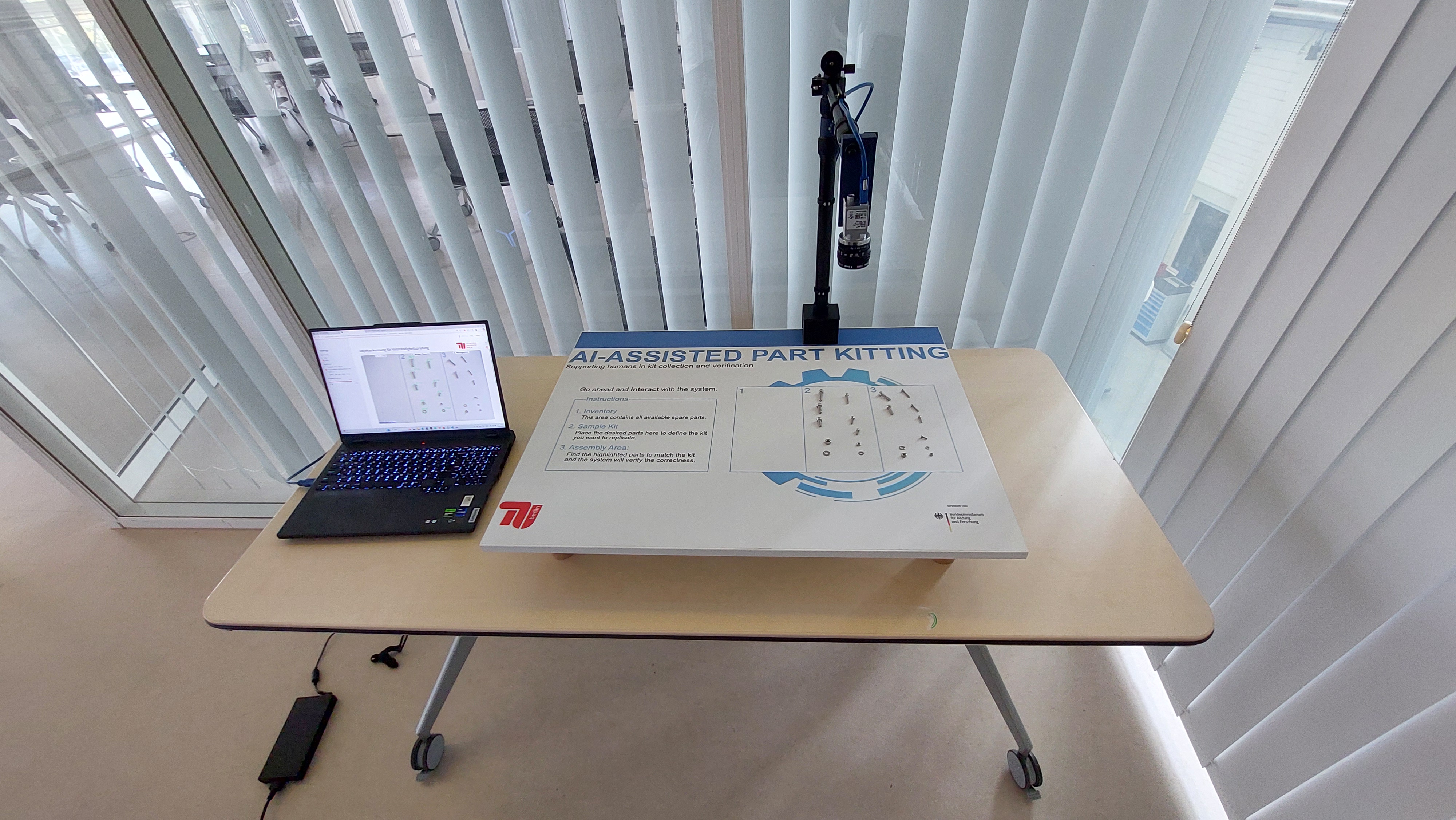
Welcome to the documentation of the Demonstrator Student Project, developed as part of the ProKI Project.
📚 Documentation Overview
This documentation is divided into two main sections:
1. Setup Instructions for demonstrations
The setup and usage guides provide a step-by-step guide on how to:
- Mechanically assemble the demonstrator
- Set up the required software
- Prepare and use the demonstrator in a live or showcase setting
2. Software Backend & Model Training
The training, augementation, and streamlit guides provide:
- The architecture and components of the software backend
- The training pipeline for the computer vision model used in the demonstrator
- Devolped Tools involved in the data augmentation process
- The current performance of the used model
🔗 About the Project
This student project is part of the ProKI Initiative, which aims to explore and promote the use of AI in industrial applications. The demonstrator serves as a practical tool for showcasing computer vision and automation concepts in a tangible, hands-on way. This documentaion was devopled in the student project to help users to setup and futher develope the demonstrator and therfore robustify the existing demonstrator and make it more portable, enabling its use in various showcase and demonstration environments.
🚀 Get Started
Use the navigation on the left to explore the setup instructions or dive into the training process to further develop the demonstrator.
📁 Project Layout
demonstrator/
-app.py # The streamlit code
-enviornment.yml # The python envrionment specification
-checkpoints/ # The trainined object dection models
-code/ # The code for training, augmumentaiton, ...
-mkdocs.yml    # The configuration file for the documentation.
-docs/ # The documentation markdown files
-site/ # The html code of the documentation